Active feature
01
Security Basics
Learn how to create stronger passwords, recognize risky messages, and protect your accounts.
Retire Match offers easy-to-follow courses that help people build computer confidence, improve digital skills, and stay safer online.
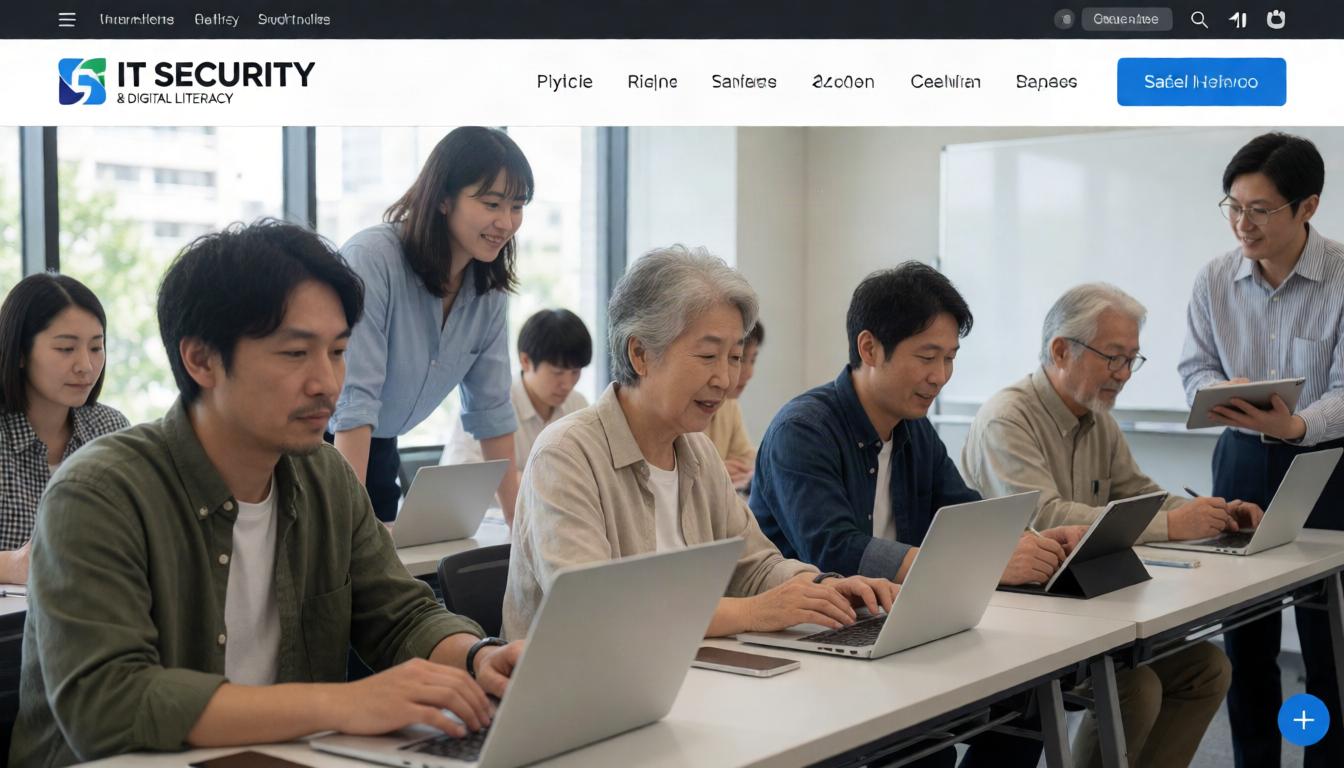
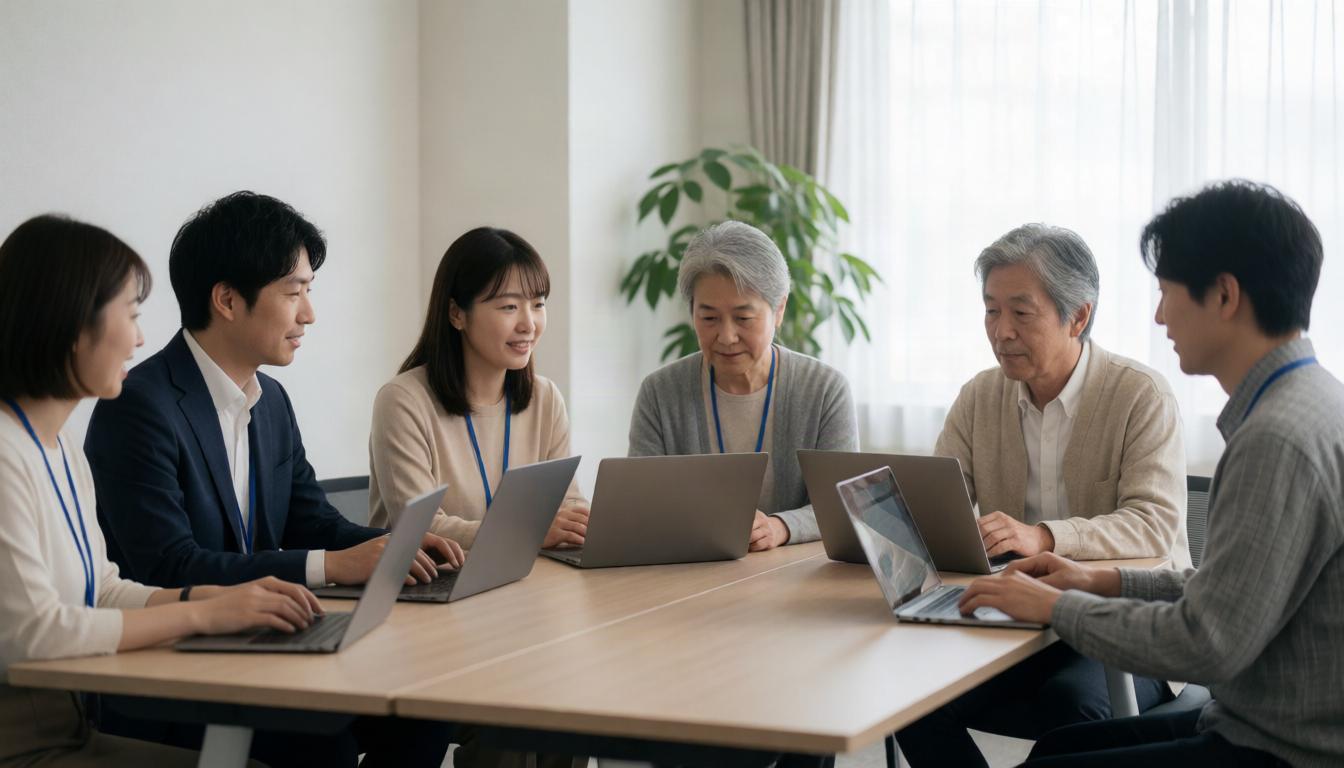
Focused modules that make computer use and online safety easier to understand.
Learn how to create stronger passwords, recognize risky messages, and protect your accounts.
Practice everyday computer tasks such as email, file handling, and safe web use.
Understand common scams, unsafe links, and simple ways to stay safer online.
Gain confidence through guided lessons that move at a steady, beginner-friendly pace.
Real feedback from people who wanted simple, useful training they could apply right away.

The lessons were clear and easy to follow, and I finally feel more confident using my computer safely.

I learned practical steps for spotting scams and protecting my accounts without feeling overwhelmed.

The training was simple, useful, and perfect for someone who wanted to improve basic digital skills.
See how clear, practical training can help you build safer habits and stronger everyday computer skills.
Choose the course that matches your experience level, goals, and daily needs.
A good starting point for people who want to learn computer basics and online safety from the ground up.
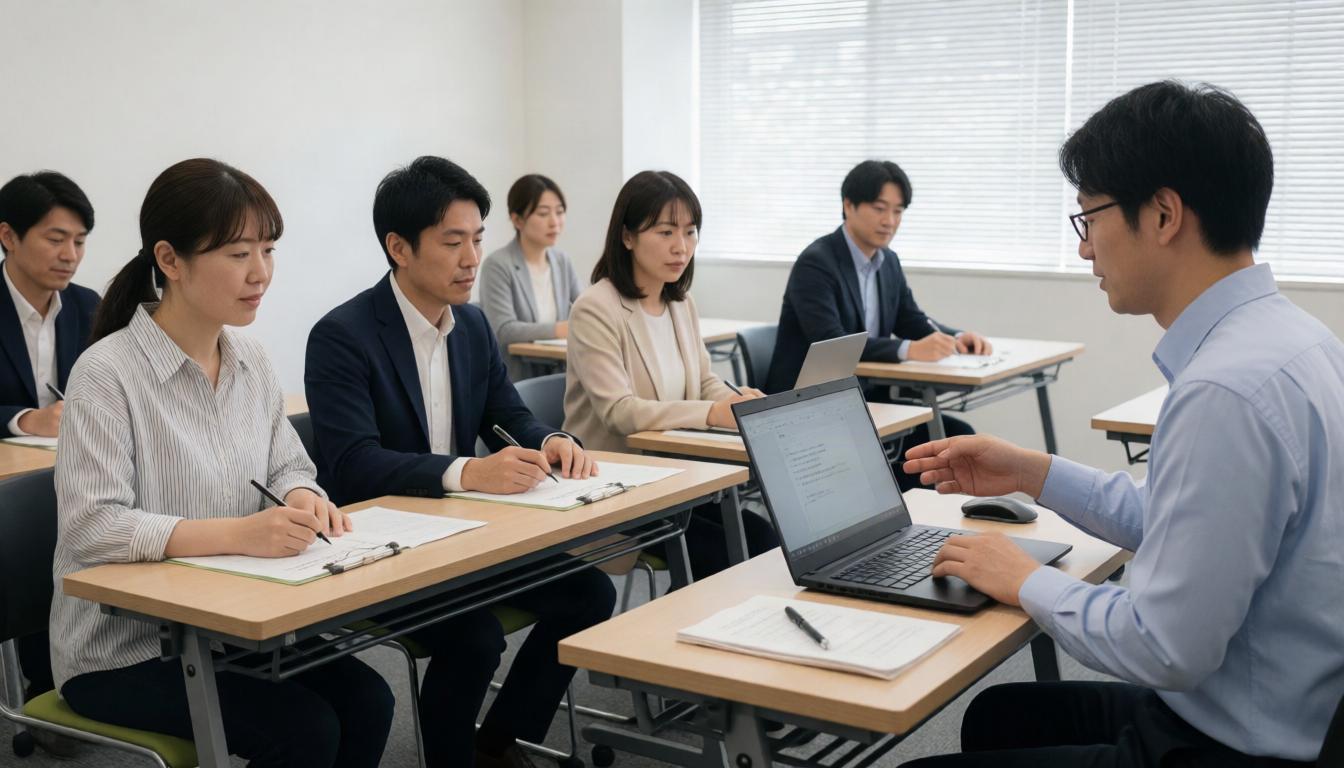
Helpful for older adults who want easy explanations and more confidence using devices and the internet.

Useful for people preparing for work or returning to the job market and needing stronger digital skills.
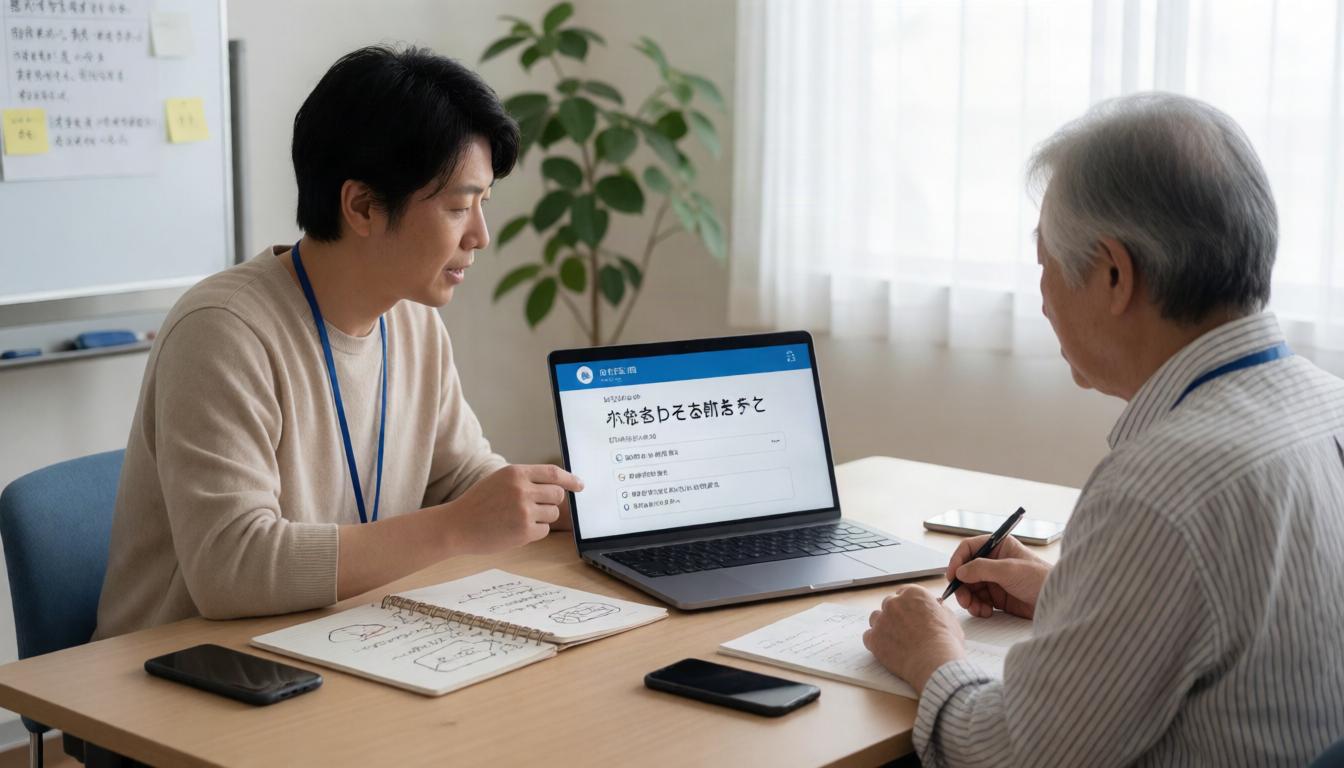
A practical option for small business staff who need safer daily computer habits.

Take the next step toward safer, more confident computer use with clear training built for everyday needs.
Contact UsAnswers to common questions about our IT security and digital literacy training.
Yes. Our courses are designed for beginners and use clear, step-by-step guidance.
We focus on everyday IT security basics, digital literacy, and online safety habits.
Yes. We can help with learning plans for small groups and workplace staff.
Yes. The content is written to be easy to understand for adults and seniors.
You can contact us to ask which course is the best fit for your goals.
Visit us in Saitama City to learn more about our IT security and digital literacy courses. We welcome individuals and small groups looking for practical training.